


Encode and decode bench
Base64, URL, hex, HTML entities, ROT13 and gzip, in any order. It also reads the contents of a JWT; the signature is not checked.
APPEARANCE // CONSOLE
Choose a console-inspired palette. Saved here.
Ten utilities that run offline in the console, and Website Check for a domain you control.
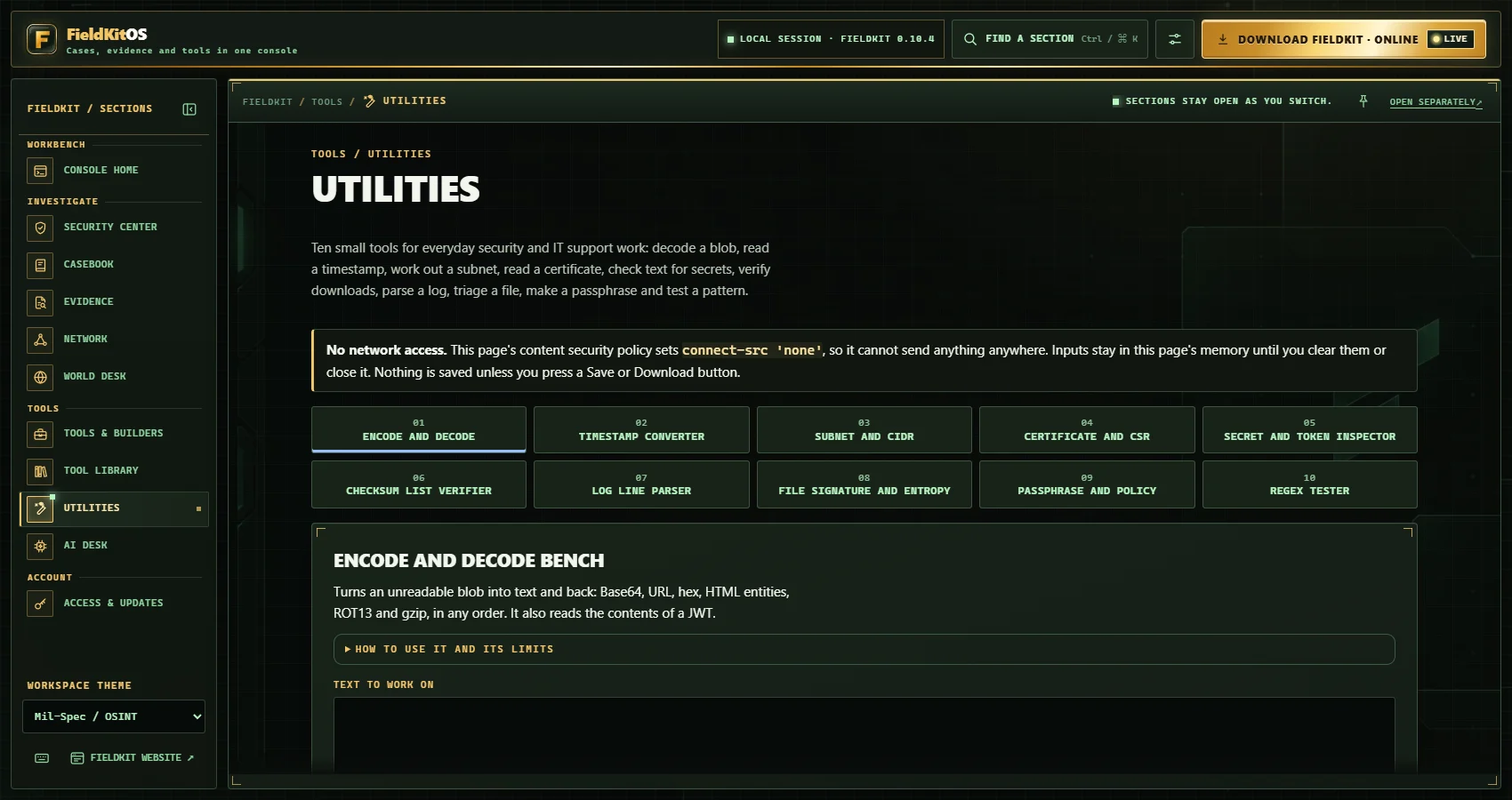
UTILITIES
Each one runs offline with no network, no installed binaries and no contact with any target. The page's content security policy blocks outgoing connections, and pasted text and chosen files stay on your device.
Base64, URL, hex, HTML entities, ROT13 and gzip, in any order. It also reads the contents of a JWT; the signature is not checked.
Unix, Windows FILETIME, WebKit, Excel and ISO times, in UTC and local.
IPv4 and IPv6 ranges, masks, splits and address-in-range tests.
Paste a PEM certificate or CSR and read its names, dates, key size and issuer.
Finds key, token and password patterns in pasted text, masked by default.
Pick files, paste a SHA256SUMS list and see which match. Extends Evidence.
Turns syslog, web access and key=value logs into a filterable table.
Magic bytes, extension mismatch, entropy and readable strings.
Random words and length rules, with no network.
Try patterns on pasted text, with a time limit on runaway patterns.
WEBSITE CHECK
Website Check proves control through a DNS TXT record you publish for that domain, runs passive checks only (one HTTPS request to the home page, one to /.well-known/security.txt, and DNS reads of SPF, DMARC and CAA), follows no redirects and sends nothing else.
In Security Center, open Web checks and add your domain. FieldKitOS shows you a TXT record once. Publish it at _fieldkit-verify.<domain>, then choose Verify.
Choose Run check. Website Check makes the passive requests listed above and nothing else.
Results save into your Casebook case and export as JSON or text.
NEXT
The utilities and Website Check are part of FieldKitOS Security at A$49 a month. Your access code arrives by email.